

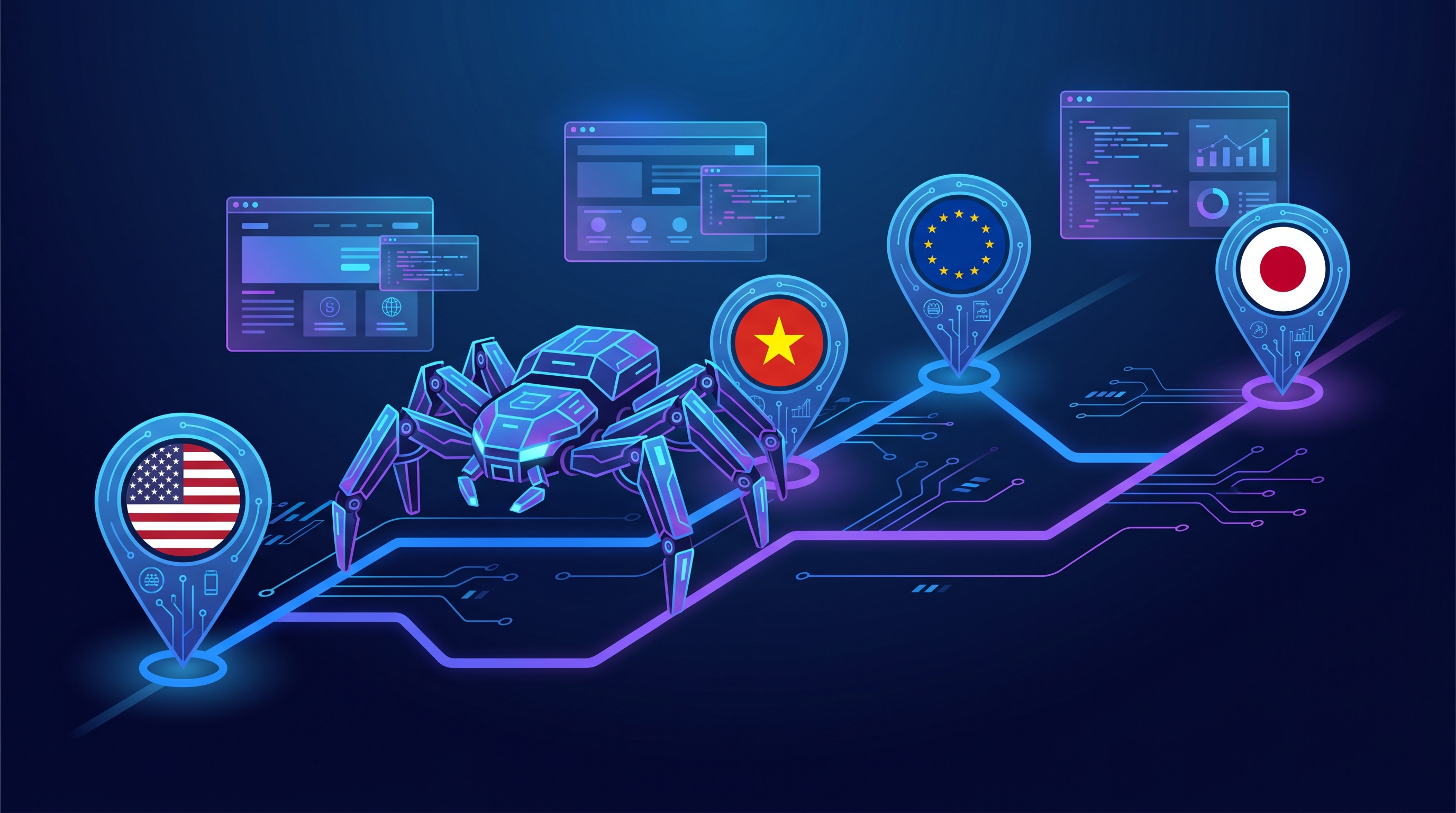
QA và dev automation cần inject proxy vào headless browser cho 3 lý do chính: geo testing (kiểm tra site behavior từ region khác nhau), IP rotation (scrape ToS-compliant không bị rate limit), và anti-bot bypass legitimate (test app phía user thật). Bài này hướng dẫn config proxy IPv4 dedicated TND vào Playwright (Node + Python), Puppeteer, Selenium, kèm code production-ready cho per-context proxy, IP rotation, retry on failure.
Mục lục
1. Vì sao automation cần proxy
- Geo testing: Site hiển thị pricing khác nhau theo country (Netflix, Spotify). Test từ IP US, EU, VN để verify localization.
- A/B test region-specific: Feature flag rollout theo region - automation test từng region.
- Anti-bot bypass legitimate: Site bạn được phép test có Cloudflare/PerimeterX - dùng residential/dedicated IP để mô phỏng user thật.
- Rate limit avoidance: Site limit per-IP, rotate qua nhiều TND IPv4 để scrape bulk hợp pháp.
- Sandbox isolation: Test login flow của customer mà không lộ IP công ty.
2. Playwright Node.js launch option
const { chromium } = require('playwright');

(async () => {
  const browser = await chromium.launch({
    headless: true,
    proxy: {
      server: 'http://23.155.xxx.xxx:2021',
      username: 'us01_S21130_P60',
      password: '••••••••••••••••'
    }
  });
  const page = await browser.newPage();
  await page.goto('https://ipinfo.io');
  console.log(await page.textContent('pre'));
  await browser.close();
})();
SOCKS5:
const browser = await chromium.launch({
  proxy: { server: 'socks5://23.155.xxx.xxx:2020',
           username: 'us01_S21130_P60',
           password: '••••••••' }
});
3. Playwright Python sync + async
from playwright.sync_api import sync_playwright

with sync_playwright() as p:
    browser = p.chromium.launch(
        headless=True,
        proxy={
            'server': 'http://23.155.xxx.xxx:2021',
            'username': 'us01_S21130_P60',
            'password': '••••••••'
        }
    )
    page = browser.new_page()
    page.goto('https://ipinfo.io')
    print(page.text_content('pre'))
    browser.close()
Async version:
import asyncio
from playwright.async_api import async_playwright

async def main():
    async with async_playwright() as p:
        browser = await p.chromium.launch(
            proxy={'server': 'http://23.155.xxx.xxx:2021',
                   'username': 'us01_S21130_P60', 'password': '••••••••'}
        )
        page = await browser.new_page()
        await page.goto('https://ipinfo.io')
        print(await page.text_content('pre'))
        await browser.close()

asyncio.run(main())
4. Puppeteer Node.js
const puppeteer = require('puppeteer');

(async () => {
  const browser = await puppeteer.launch({
    headless: true,
    args: ['--proxy-server=http://23.155.xxx.xxx:2021']
  });
  const page = await browser.newPage();
  // Auth qua page.authenticate (Puppeteer không có syntax proxy auth like Playwright)
  await page.authenticate({
    username: 'us01_S21130_P60',
    password: '••••••••'
  });
  await page.goto('https://ipinfo.io');
  console.log(await page.evaluate(() => document.querySelector('pre').innerText));
  await browser.close();
})();
SOCKS5 với Puppeteer:
const browser = await puppeteer.launch({
  args: ['--proxy-server=socks5://23.155.xxx.xxx:2020']
});
// SOCKS5 auth trong Chromium chưa support inline qua args
// Cần extension hoặc tool wrap như proxy-chain
5. Selenium Python ChromeOptions
from selenium import webdriver
from selenium.webdriver.chrome.options import Options
from selenium_authenticated_proxy import SeleniumAuthenticatedProxy

proxy_url = "http://us01_S21130_P60:••••••••@23.155.xxx.xxx:2021"

opts = Options()
opts.add_argument("--headless")

# Cần lib selenium-authenticated-proxy vì Selenium native không support proxy auth
proxy_helper = SeleniumAuthenticatedProxy(proxy_url)
proxy_helper.enrich_chrome_options(opts)

driver = webdriver.Chrome(options=opts)
driver.get("https://ipinfo.io")
print(driver.find_element("css selector", "pre").text)
driver.quit()
Cài lib: pip install selenium-authenticated-proxy
6. Per-context proxy (Playwright)
Playwright cho phép 1 browser instance có nhiều context (giống Chrome profile), mỗi context proxy riêng - efficient hơn launch nhiều browser.
const browser = await chromium.launch({ headless: true });

// Context 1: TND US
const ctx1 = await browser.newContext({
  proxy: { server: 'http://23.155.xxx.xxx:2021',
           username: 'us01_S21130_P60', password: '••••••••' }
});

// Context 2: TND VN
const ctx2 = await browser.newContext({
  proxy: { server: 'http://203.xxx.xxx.xxx:2021',
           username: 'vn01_S21131_P60', password: '••••••••' }
});

const page1 = await ctx1.newPage();
const page2 = await ctx2.newPage();
await page1.goto('https://ipinfo.io');  // → IP US
await page2.goto('https://ipinfo.io');  // → IP VN
7. IP rotation giữa nhiều TND IPv4
const proxies = [
  { server: 'http://23.155.xxx.10:2021', username: '...', password: '...' },
  { server: 'http://23.155.xxx.11:2021', username: '...', password: '...' },
  { server: 'http://23.155.xxx.12:2021', username: '...', password: '...' },
];

let i = 0;
async function scrapeUrl(url) {
  const proxy = proxies[i % proxies.length];
  i++;
  const browser = await chromium.launch({ proxy });
  const page = await browser.newPage();
  await page.goto(url);
  const content = await page.content();
  await browser.close();
  return content;
}

// Loop scrape
const urls = ['https://...page1', 'https://...page2', /*...*/];
for (const url of urls) {
  await scrapeUrl(url);
  await new Promise(r => setTimeout(r, 2000));  // 2s delay polite
}
8. Handle proxy fail + retry
async function scrapeWithRetry(url, maxRetry = 3) {
  for (let attempt = 0; attempt < maxRetry; attempt++) {
    try {
      const proxy = proxies[attempt % proxies.length];
      const browser = await chromium.launch({
        proxy,
        timeout: 15000
      });
      const page = await browser.newPage();
      await page.goto(url, { waitUntil: 'networkidle', timeout: 20000 });
      const content = await page.content();
      await browser.close();
      return content;
    } catch (e) {
      console.warn(`Attempt ${attempt+1} failed: ${e.message}`);
      await new Promise(r => setTimeout(r, 3000));
    }
  }
  throw new Error(`Failed after ${maxRetry} retries: ${url}`);
}
9. Use case thực tế
Use case 1: Geo-test pricing page
SaaS company test pricing page Spotify, Adobe, Microsoft từ 5 country. 5 TND IPv4 (US, UK, DE, FR, JP nếu có) → 5 Playwright context → screenshot + assert pricing localized đúng.
Use case 2: SEO SERP scrape compliant
SEO agency track ranking 100 keyword cho 10 client. Setup: 10 TND IPv4, mỗi keyword 1 invocation, rotate IP, 5s delay/request. Đọc thêm Proxy cho SEO SERP tracking.
Use case 3: E2E test customer flow
App e-commerce test full flow user thật: register → verify email → login → add to cart → checkout. Route automation qua TND US IPv4 để mô phỏng customer US thật, không lộ IP server CI.
Use case 4: Anti-bot bypass legitimate (Cloudflare)
Test site có Cloudflare Bot Management mà bạn được phép test (audit/pentest có hợp đồng). DC proxy thường bị flag, dùng TND IPv4 dedicated với clean reputation history (verify qua AbuseIPDB <5%).
Tổng kết
Playwright + Puppeteer + Selenium đều support proxy qua launch option đơn giản. TND IPv4 dedicated là choice hợp lý cho automation: IP cố định lâu dài (reputation clean), dedicated 1 user, replace miễn phí khi flag. Mỗi tool đều có syntax riêng cho HTTP và SOCKS5 - cần lưu ý Puppeteer chưa native SOCKS5 auth.
Tham khảo thêm:
- Proxy cho Claude Code AI agent
- Proxy cho SEO SERP tracking
- SOCKS5 vs HTTP - chọn protocol
- IPv4 Dedicated vs Residential cho automation
Mua Proxy IPv4 Dedicated US + VN tại TND
Flat 95.000 VNĐ/IP/tháng. Fresh IP dedicated cho automation Playwright/Puppeteer: IP cố định, clean reputation (verify AbuseIPDB <5%), unlimited traffic. Hỗ trợ HTTP và SOCKS5. Replace IP miễn phí khi flag. Support tiếng Việt 24/7.
Mua proxy tại TND Xem chi tiếtTham gia nhóm Vibe Coder Việt Nam
Bạn đang code cùng Claude, Codex, Gemini, Cursor hay Windsurf? Vào nhóm Facebook để trao đổi tip, debug giúp nhau, chia sẻ workflow vibe coding, và update tool mới mỗi tuần. Cộng đồng dev tự host stack đang grow nhanh tại Việt Nam.
Join nhóm trên Facebook